Adding a new calendar event

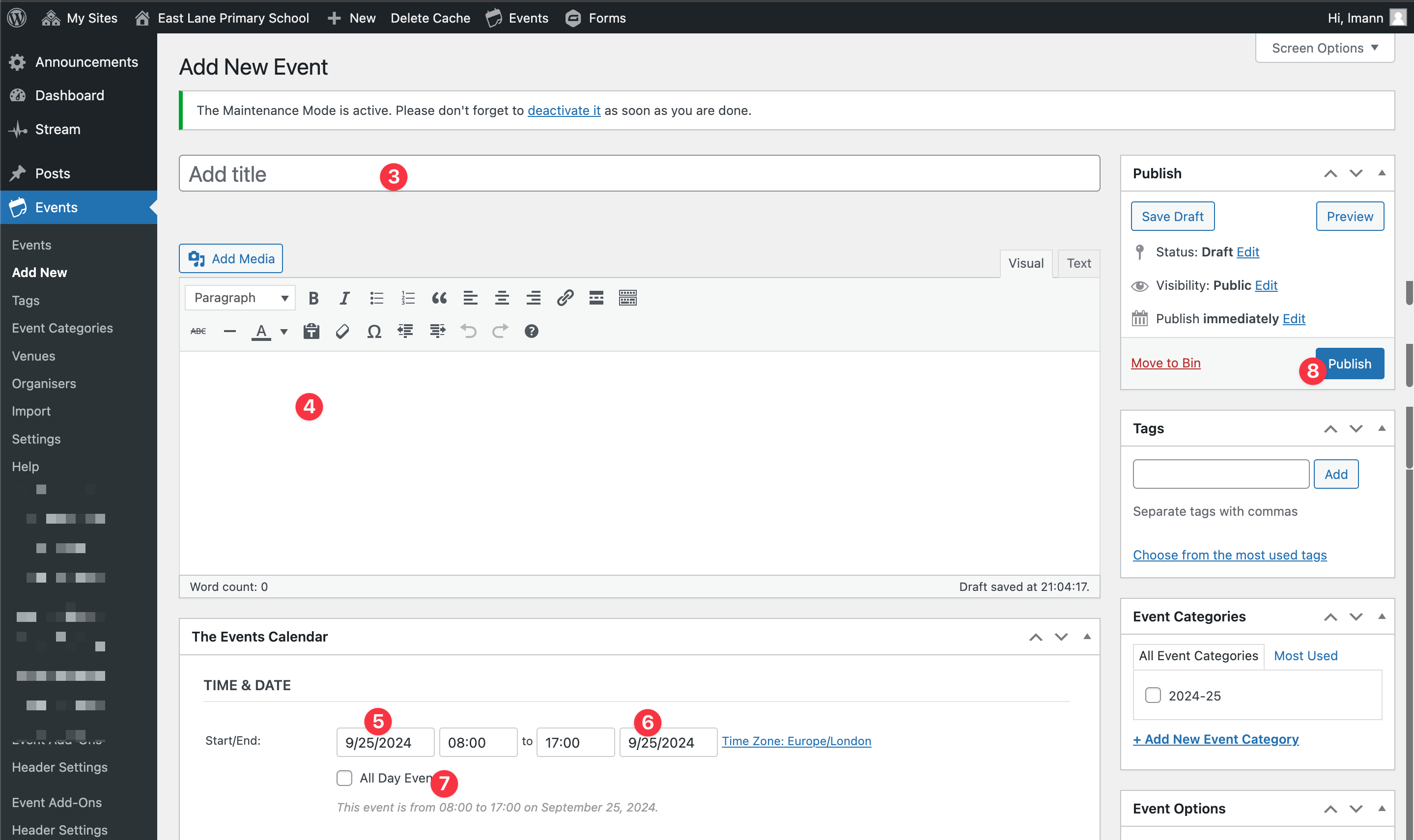
Step 1: Hover over “New”
Step 2: Click “Event” from the admin toolbar
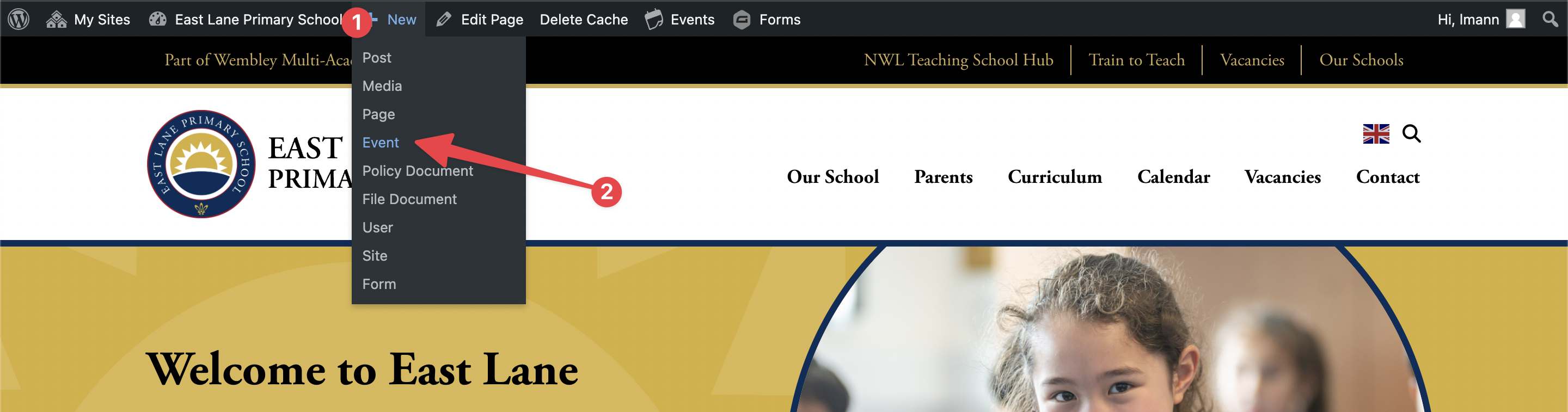
Step 3: Add the event title
Step 4: Add the event description
Step 5: Select the start date
Step 6: Select the end date
Step 7: Select if the event doesn’t need a start/ end time by ticking “All Day Event” checkbox
Step 8: Publish